Game Information
Title: Galactic Love Utopia
Genre: Casual, Early Access
Developer: Kaijoseisoft
Publisher: Kaijoseisoft
Franchise: Galactic Love Utopia
Release Date: 3 Jun, 2026
Early Access Release Date: 3 Jun, 2026
Buy Now: Steam
18+
System Requirements
- OS: Windows 7 or higher
- Processor: 2.0 GHz Core 2 Duo
- Memory: 2 GB RAM
- Graphics: OpenGL 2.0 or DirectX 9.0c
- DirectX: Version 9.0
- Storage: 5 GB available space
- Sound Card: Any sound card
Galactic Love Utopia Overview
You are a writer who gets kidnapped by aliens and are taken to a space station run by a mysterious rich backer who selects a single writer from each known intelligent alien species. You are the only human on a writer’s retreat space station filled with different alien species.

You are a fanfiction writer who gets kidnapped by aliens. But instead of being probed or experimented upon you are taken to a space station run by a mysterious rich backer who selects a single member of each known intelligent alien species to write more for them to read. You are the only human on a writer’s retreat space station filled with different alien species.
In Galactic Love Utopia you will meet and get to know a bunch of intergalactic babes as you try to get used to living in this luxurious yet strange environment.
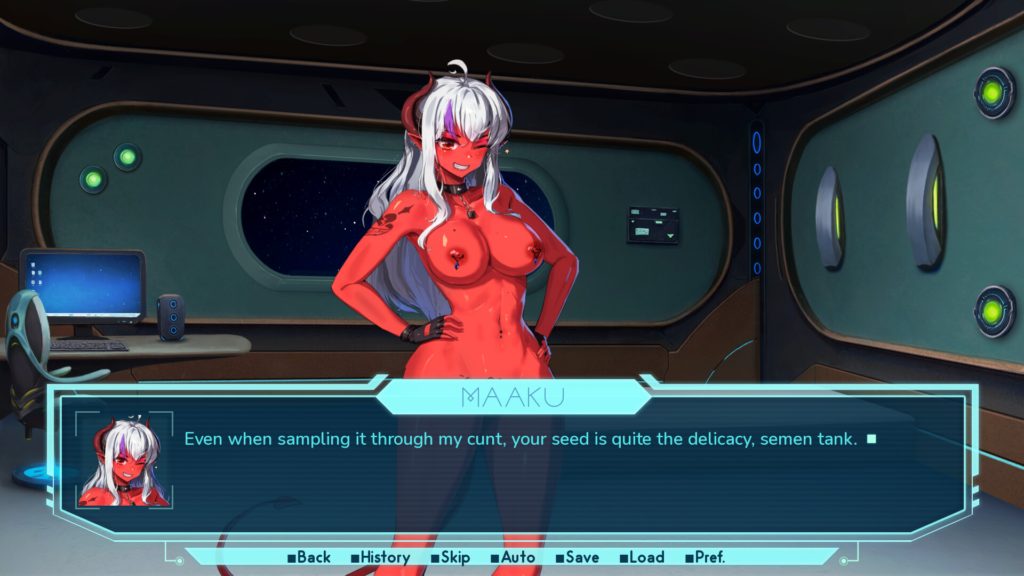
Galactic Love Utopia is a story focused visual novel with some dating simulator elements. Make choices and decide which part of the space station you want to explore by selecting a room to visit on the interactive map. Focus on improving your relationship with one or some of the main heroines, or visit a place where none of them tend to hang out for a scene with one of the side heroines.
How to Download and Install
1. Click the download button to start.
2. When the download is complete, right-click the .rar file and select ‘Extract to current folder’.(If you run into any errors while extracting, make sure you’re using WinRAR or 7-Zip.)
3. Open the unzipped folder, find the .exe file, and double click it to run. (If there’s a _Readme.txt in the folder, it’s probably worth checking out.)
4. Enjoy. If you get any missing .dll errors, check for a ‘Redist’ or ‘_CommonRedist’ folder and install everything inside.
Download Here:
Server 1: DataVaults